Your personal
arrival alert.
Get alerted when you're approaching your destination.
Audio through headphones, vibration when they're off. Simple and reliable.
* OS power-saving features may affect behavior.
Features
Audio Only Through Headphones
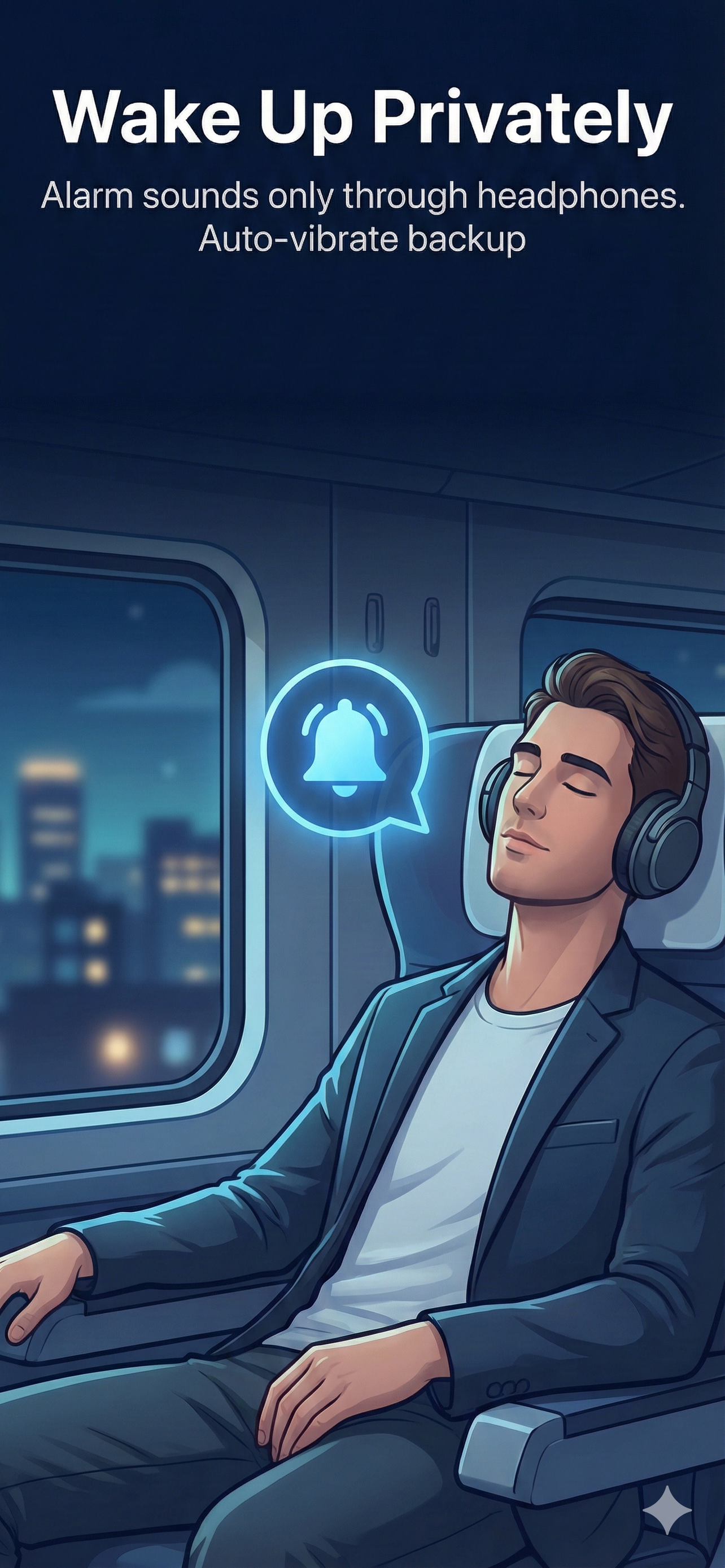
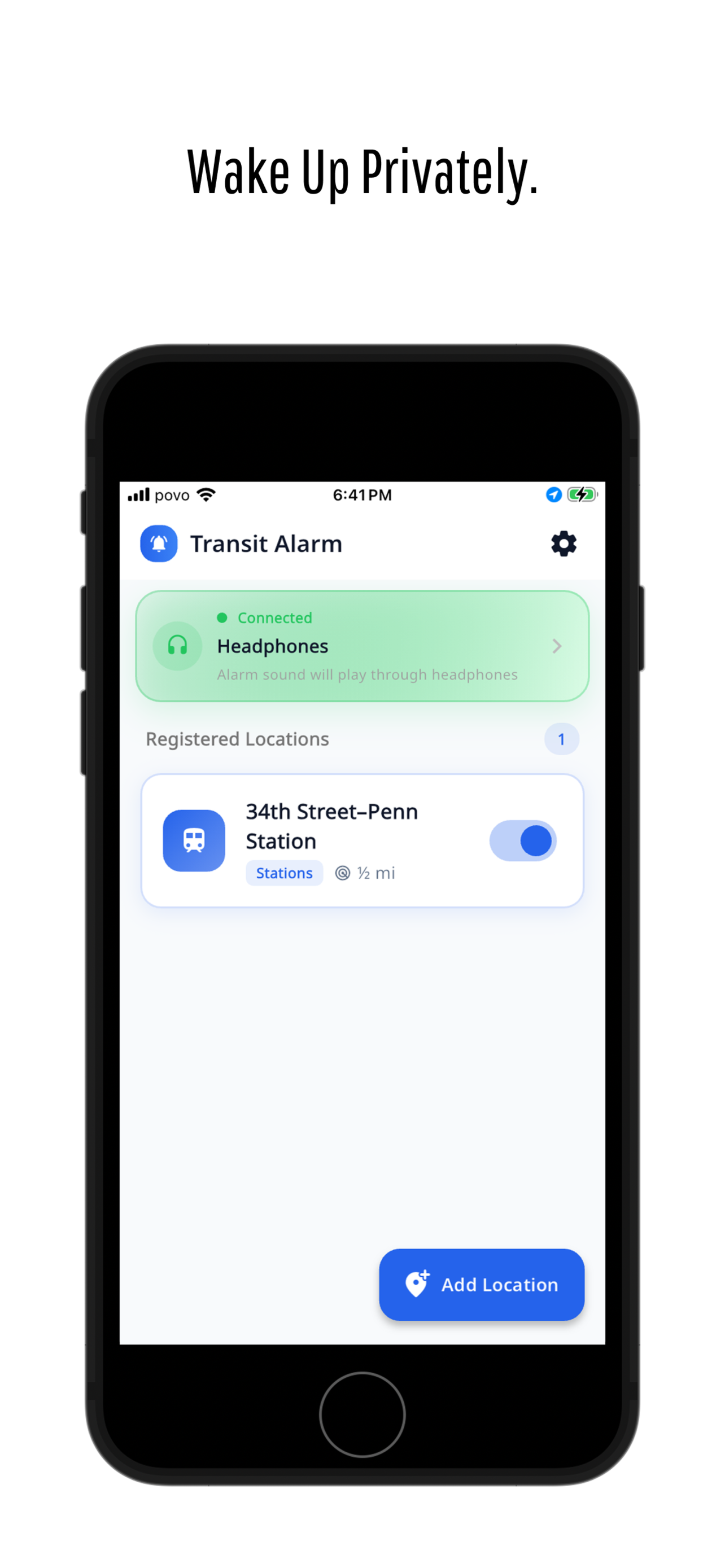
Alarms play only through connected headphones or earbuds. Never disturb others on the train.
Vibration Fallback (Optional)
When headphones are disconnected, get vibration alerts instead. Toggle this on or off in settings.
Easy Station Search
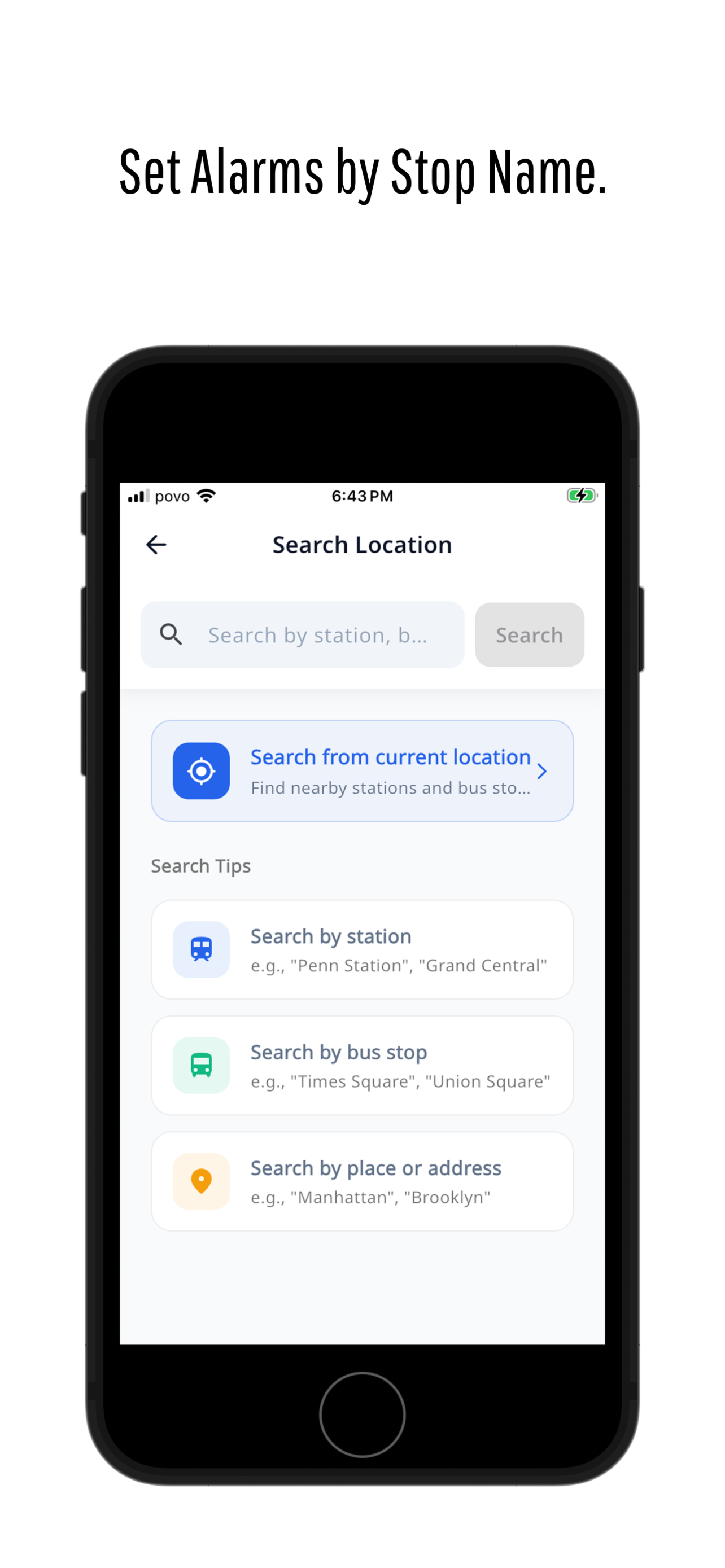
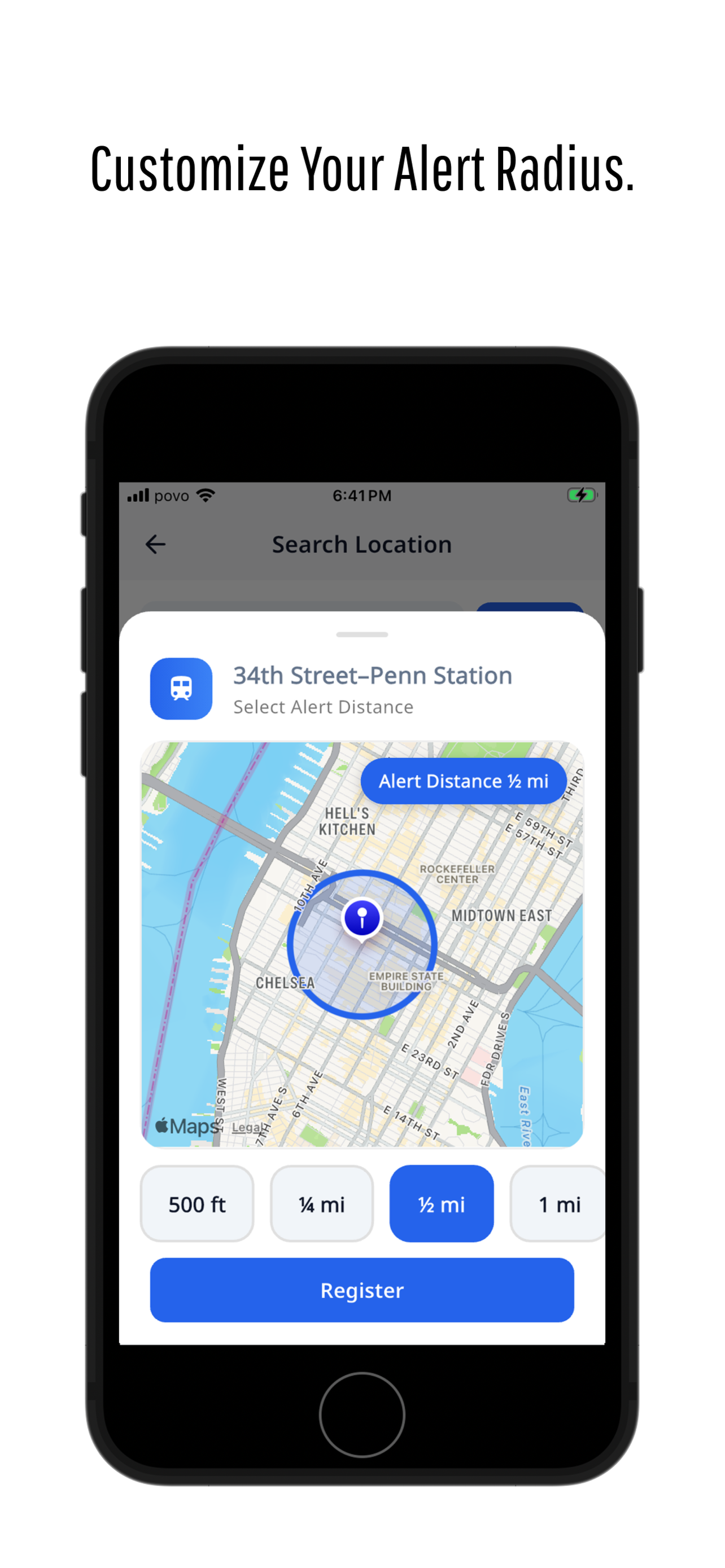
Search by station name, bus stop, or address. Set your custom alert radius from 500 ft to 2 miles.
Screens
FAQ
Why is "Always Allow" location required?
To detect when you're approaching your destination while the screen is off or the app is in the background, we need continuous location access.
Will it play sound through the speaker?
No. Audio alerts only play through headphones. When headphones are disconnected, you'll receive vibration alerts (if enabled in settings).
Is it reliable in the background?
We've optimized for background operation, but OS power-saving features and signal conditions may occasionally affect timing.